We use cookies to make your experience better. Learn more.
Language  English
English Crnogorski
 Русский
|
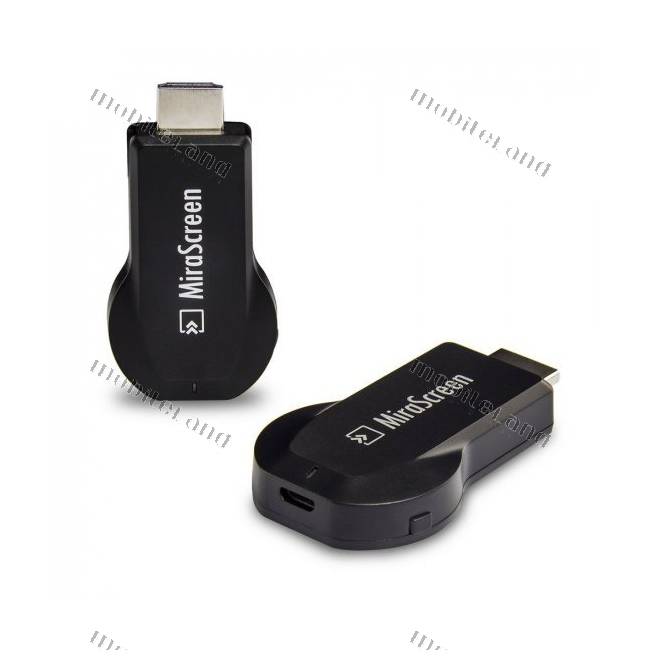
EnglishA compact WiFi HDMI receiver that wirelessly mirrors your phone or laptop screen to a TV, monitor, or projector. It supports Miracast and AirPlay technologies, covering all Android, Windows, and Apple devices.
Image is for reference — the product name and specification are authoritative.
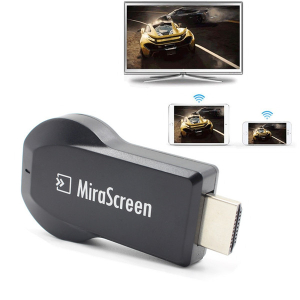
The JWD SP39 (MiraScreen) is a WiFi HDMI receiver designed for wireless streaming of multimedia content from your smartphone, tablet, or laptop to a larger screen. This compact dongle plugs directly into the HDMI port of a TV, monitor, or projector, bridging the content on your mobile devices with the big screen in your home or office.
The main advantage of this receiver is that it supports both leading screen mirroring technologies — Miracast for Android devices and Windows laptops, and AirPlay for iPhone and iPad devices. The receiver establishes a direct wireless connection between the device and the screen, allowing you to easily share photos, videos, presentations, and movies without using any cables. It is powered via a micro-USB port from the TV's USB port or a standard USB adapter, and the housing features a small button for quickly switching operating modes.
Setting up the device is extremely simple and comes down to two steps: plug the receiver into the TV's HDMI port and connect a micro-USB cable for power. The black and compact design allows the device to stay completely hidden behind the screen, ready for use whenever needed. This is an ideal and practical solution for older TVs without smart features, easily adding wireless content sharing capabilities.
| Brand | JWD |
|---|---|
| Model | SP39 |
| Purpose | Wireless streaming of multimedia content to TV, monitor, or projector |
| Device type | WiFi HDMI receiver (dongle) |
| Power supply | micro-USB (from TV USB port or USB adapter) |
| Compatibility | Android, Windows, iPhone, iPad |
| Housing color | Black |
| Housing label | MiraScreen |
| Screen connector | HDMI |
| Additional features | Button for switching operating modes |
| Supported technologies | WiFi, Miracast, AirPlay |
The device supports Miracast for Android devices and Windows laptops, as well as AirPlay for iPhone and iPad devices.
It is powered via a micro-USB port, which can be connected to a TV's USB port or a standard USB adapter.
Setup is simple: plug the receiver into the screen's HDMI port and connect a micro-USB cable for power, while a small button on the casing is used to quickly switch operating modes.
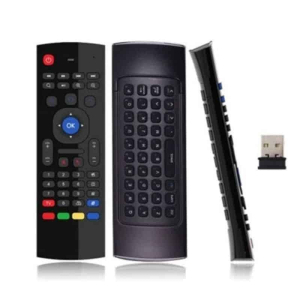 Bluetooth daljinski sa tastaturom MX3 €17.90
 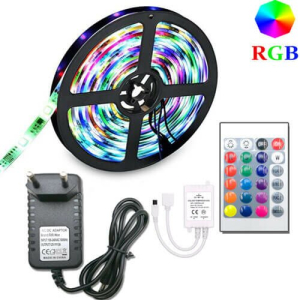 RGB LED Strip L01-5m with Remote Control and Power Supply - Waterproof €14.90
 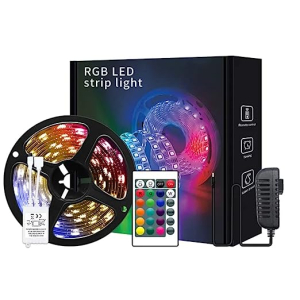 RGB LED Strip with Remote Control U01-1M €7.00
 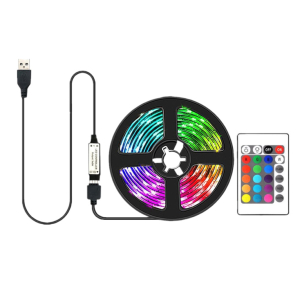 RGB LED strip with remote control U02-3M €13.00
 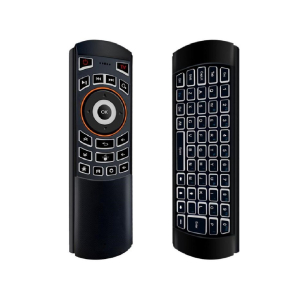 Bluetooth daljinski sa tastaturom X6 (2.4G) €22.90
 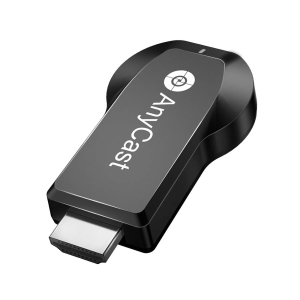 WiFi LCD HDMI Receiver Anycast M100 5G, 4K (JWD-SP32) €49.90
 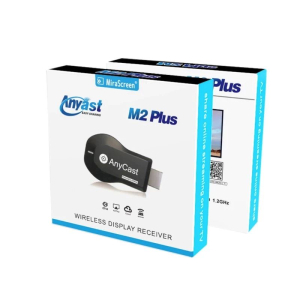 WiFi LCD HDMI Receiver Anycast M2 Plus (JWD-SP33) Action!!! €19.90
 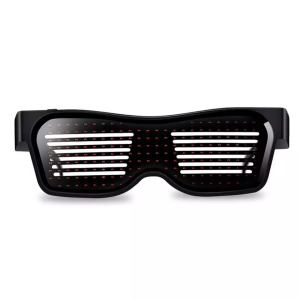 Programmable LED Glasses - type 1 €19.90
 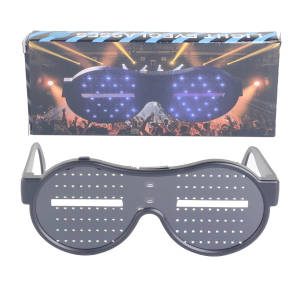 Programmable LED Glasses - Type 2 (Bluetooth with Phone App) €39.90
  WiFi LCD Receiver - MiraScreen 2.4G Wireless Connectivity Mirascreen €34.90